Free version 1.5.4 - Upgrade information
Here is new stuff you can use in free version 1.5.4 after upgrade from 1.5.2:
Fullscreen map, heads-up display and full screen speed display
‣ Double tap on a screen in heads-up mode to switch to a full screen speed mode
‣ Rotate to landscape in heads-up or full screen mode to enlarge the speed digits

‣ Swipe left or right on a screen in heads up or full screen mode to change a speed limit
Following video covers full screen map operations: Maps video tutorial (full screen, offline and custom)
iPod
‣ You can now skip directly to a song you need in a songs list. Just tap on a track you want to skip to.
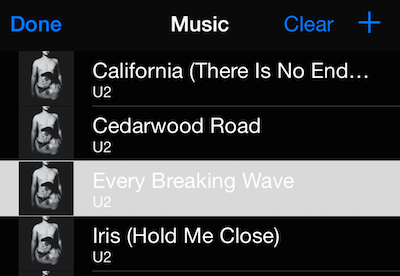
“Clear” and “+” buttons are fixed in iPod songs screen as well.
