Sales tax
If you have to show tax on a receipt, the app keeps a list of taxes, marks one of them as the default, and applies it to the fare. Individual extras can then follow that default, take a different tax, or be exempt.
You need none of this if your receipts do not show tax — leave the list empty and nothing changes.
The list of taxes
MENU ▸ Taxes.
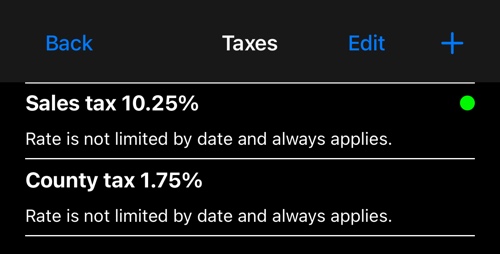
Each row gives the tax, its current rate and whether that rate is limited by date. The green dot marks the default — the one applied to the distance, time and entry fare. There can only be one at a time, and the app takes care of that when you set a new one.
Taxes may share a name if the rates differ, though the rate is then the only thing telling them apart.
+ adds one. To change an existing one, tap Edit first, then the row.
A single tax
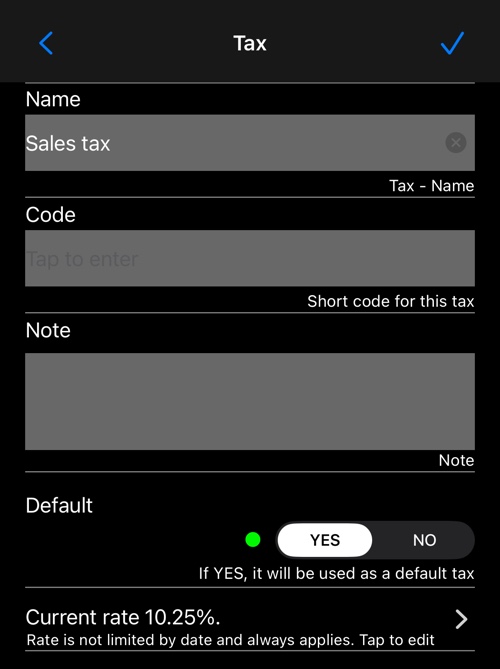
- Name — what appears on the receipt.
- Code — a short code, if your paperwork uses one.
- Note — for your own reference; it is not printed.
- Default — YES makes this the tax applied to the fare, and the one offered for new extras. Setting it here clears it from whichever tax held it before.
- Current rate — a row, not a field, because a rate can change on a date.
Rates that change on a date
A tax can be 5% until 31 December and 6% from 1 January. That is why the rate is a list rather than a number.
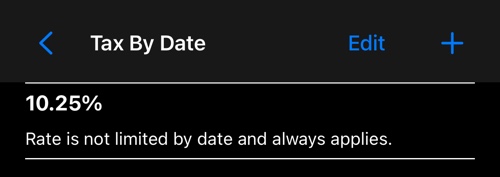
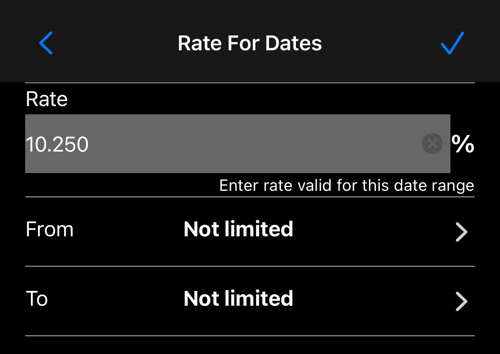
By default a rate is open-ended — “not limited by date and always applies” — so if your rate has never changed you enter it once and never think about dates again. When it does change, add a second rate with a start date and the app picks whichever applies to the trip.
Tax on extras
Every extra carries its own tax treatment, and the list shows it.
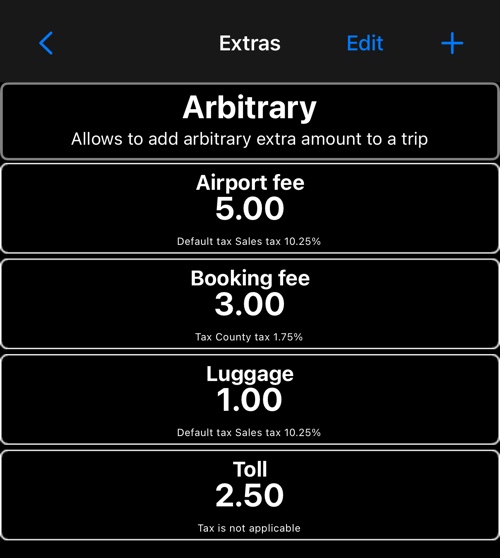
Three things can be true of an extra: it takes the default tax, it takes a different tax, or tax does not apply to it. Tolls and disbursements are commonly exempt.
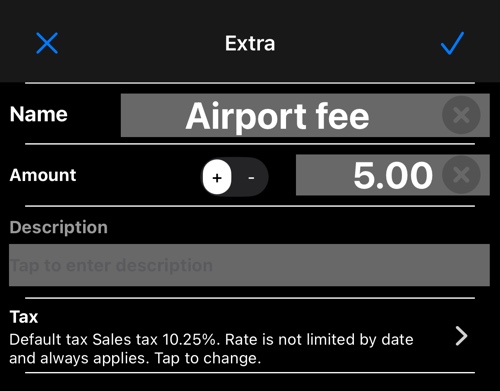
Open an extra and the tax row lets you pick. During a trip you can also change the tax on an extra you have already added, from the trip’s extras list — that affects only the trip in hand.
Where tax shows up
- On the receipt — the detailed receipt prints a row per tax rate in play. The simple receipt shows the total only.
- Included or added on top — whether tax is treated as already inside your prices or added to them is one setting, Tax handling in advanced settings .
- On tips — a tip can be untaxed, taxed like the fare, or taxed at a rate of its own. See adjusting the trip total .
On Android
The same list, the same default, the same per-extra choice.
More on receipts and fares:
Detailed receipt ▪︎ Advanced settings ▪︎ Adjust total ▪︎ Fare editor