Simple mode
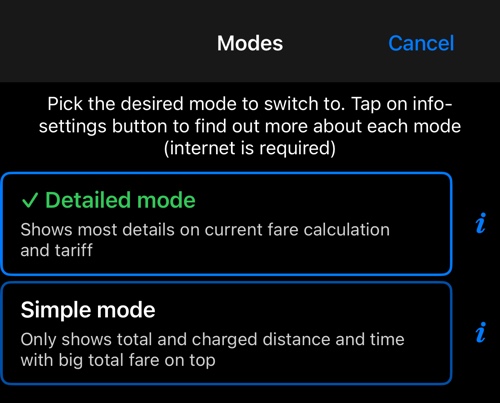
Only shows total and charged distance and time with big total fare on top.
The taxi dashboard has two shapes. This is one of them; the other is Detailed mode .
Switch with MENU ▸ MODES. The choice sticks until you change it, and it does not affect what the meter charges — only what you are shown.
What the bottom dash shows
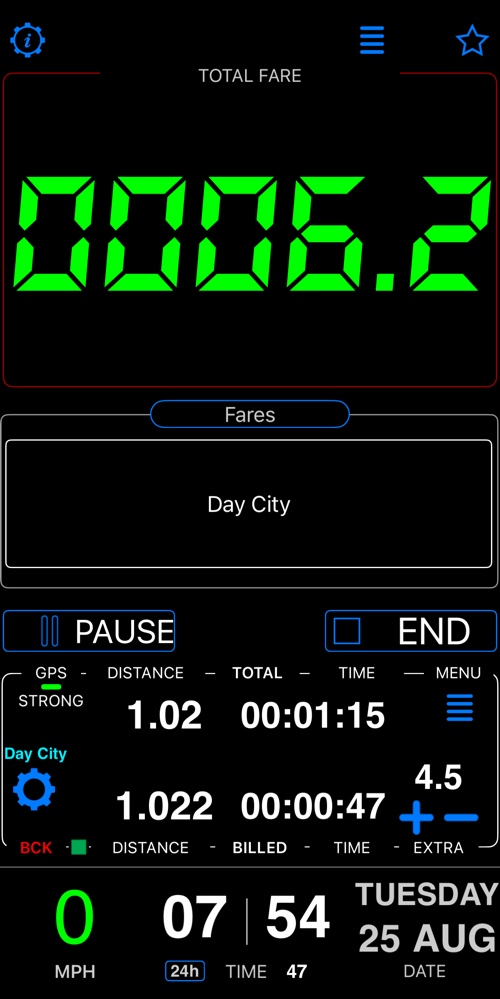
Distance travelled and distance charged, time elapsed and time charged, any extras, and the total. The rates and the split between what distance has earned and what time has earned are hidden — they are still being applied, just not shown.
The big fare display at the top is the same in both modes.
The other mode
- Detailed mode — Shows most details on current fare calculation and tariff.
Related:
Fare editor ▪︎ Fare rules ▪︎ Time rules