Export files timestampting. Saving directly to iCloud, Dropbox and others.
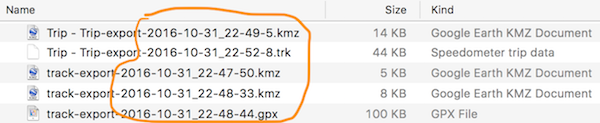
From version 1.8 timestamp with date of export is appended to every output file name:
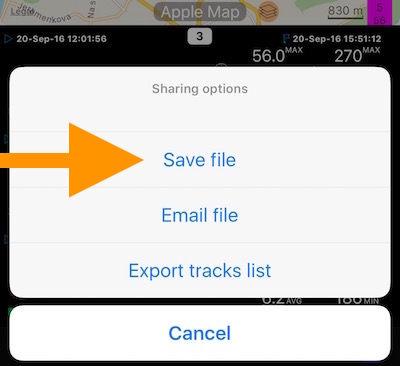
Also you can now save/export trips and tracks directly to dropbox or iCloud drive via new “Save file” option in trip/track export:
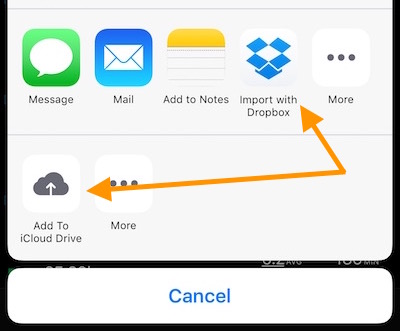
That gives you options to save the export file directly to Dropbox, iCloud drive (or even your mac via airdrop):