Accessing common map settings screen
Common screen settings allow you to set map top to north or your current direction, show/hide or configure a course line and other options.
You can access this screen in several ways.
Option 1. Via settings button:

Then “Map settings” and tap on a top settings row:

Option 2. Tap on a layers button on a map:

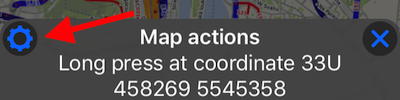
Option 3. Hold your finger on a map until “long press” menu appears and tap on a top/left settings button there: