Review photos. Original and/or stamped.
When you return to reviewing old photos, the app shows you the original, non-stamped photos by default, as they are kept in the app:

The point behind keeping original photos is that you can always decide to change the photo title and notes, and apply a different watermark if needed.
To see stamped photo, with current notes and optionally watermark applied (per settings), tap on that stamp button (#1):

When the app exports/shares or adds photos to a PDF report, it always asks if you want stamped or original photos to be shared.
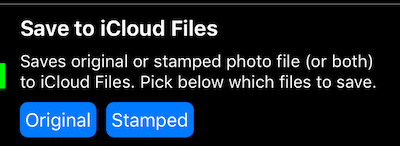
When the app saves a photo copy somewhere else (Photo library or iCloud drive), you always have an option to save original, stamped, or both. You set this up in Settings > Photo capture settings > Save. E.g. for iCloud drive:
More information:
Photo capture settings — Original versus Stamped, and the automatic copy to the photo library and iCloud Files.
PDF reports:
PDF report and Email/Social export settings.
You can also set a custom order for photos and points in PDF reports .