Detailed mode
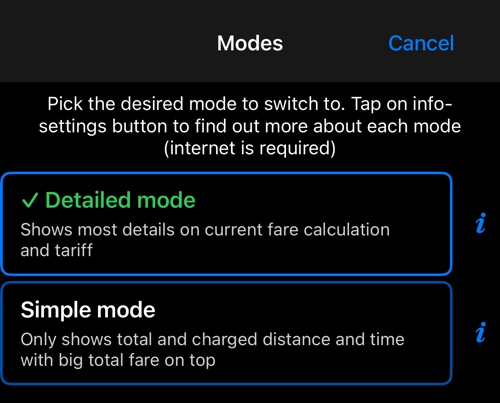
Shows most details on current fare calculation and tariff.
The taxi dashboard has two shapes. This is one of them; the other is Simple mode .
Switch with MENU ▸ MODES. The choice sticks until you change it, and it does not affect what the meter charges — only what you are shown.
What the bottom dash shows
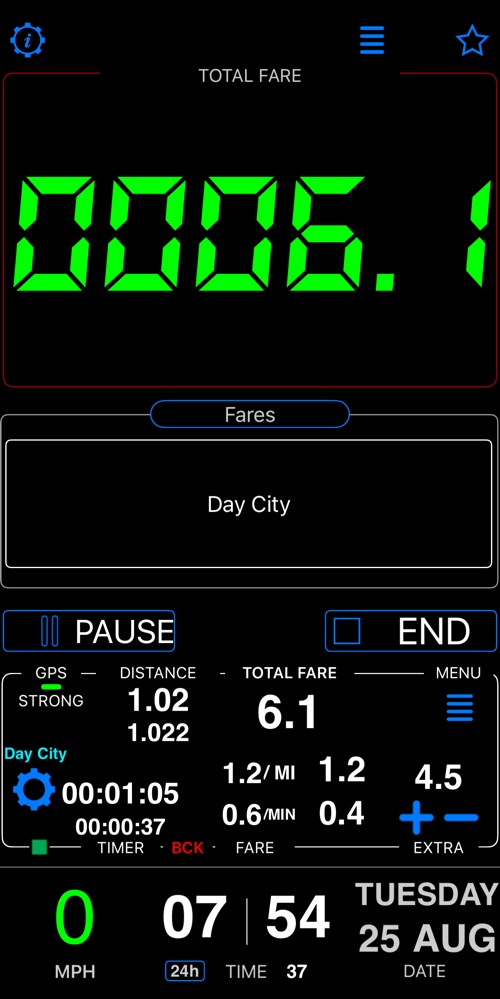
Distance travelled and distance charged, time elapsed and time charged, the per-distance and per-minute rates with what each has earned so far, any extras, and the running total. Everything the meter is doing, at a glance.
The big fare display at the top is the same in both modes.
The other mode
- Simple mode — Only shows total and charged distance and time with big total fare on top.
Related:
Fare editor ▪︎ Fare rules ▪︎ Time rules